Overview
Learn what QMonitor is and how it can help you.
Welcome to the QMonitor User Guide. This documentation will help you monitor and manage your SQL Server instances.
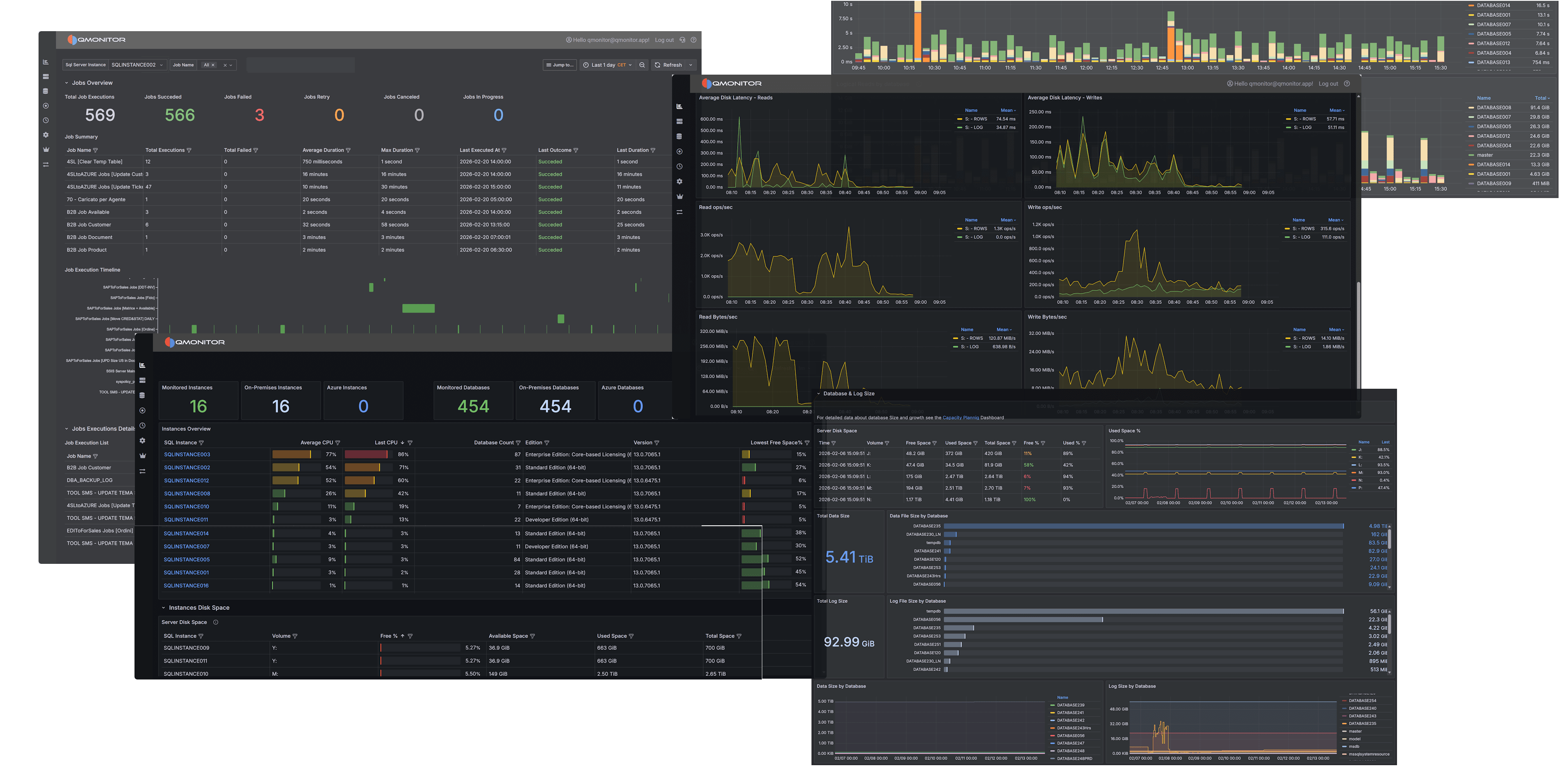
This guide provides all the information you need to use QMonitor effectively. You will learn how to set up monitoring, register SQL Server instances, and use QMonitor features to track performance and health.
If you need assistance, check the Getting Started guide to begin monitoring your SQL Server instances. If you want to file a Support Request, log in to QMonitor and go to the Support page.
Learn what QMonitor is and how it can help you.
Learn the key terms and concepts you need to use QMonitor effectively.
Set up your first SQL Server instance in QMonitor
Detailed descriptions of QMonitor’s features and capabilities.
Step-by-step guides for common QMonitor tasks