Custom Metrics
Custom Metrics
This dashboard displays custom metric measurements pulled from the selected measurement source.
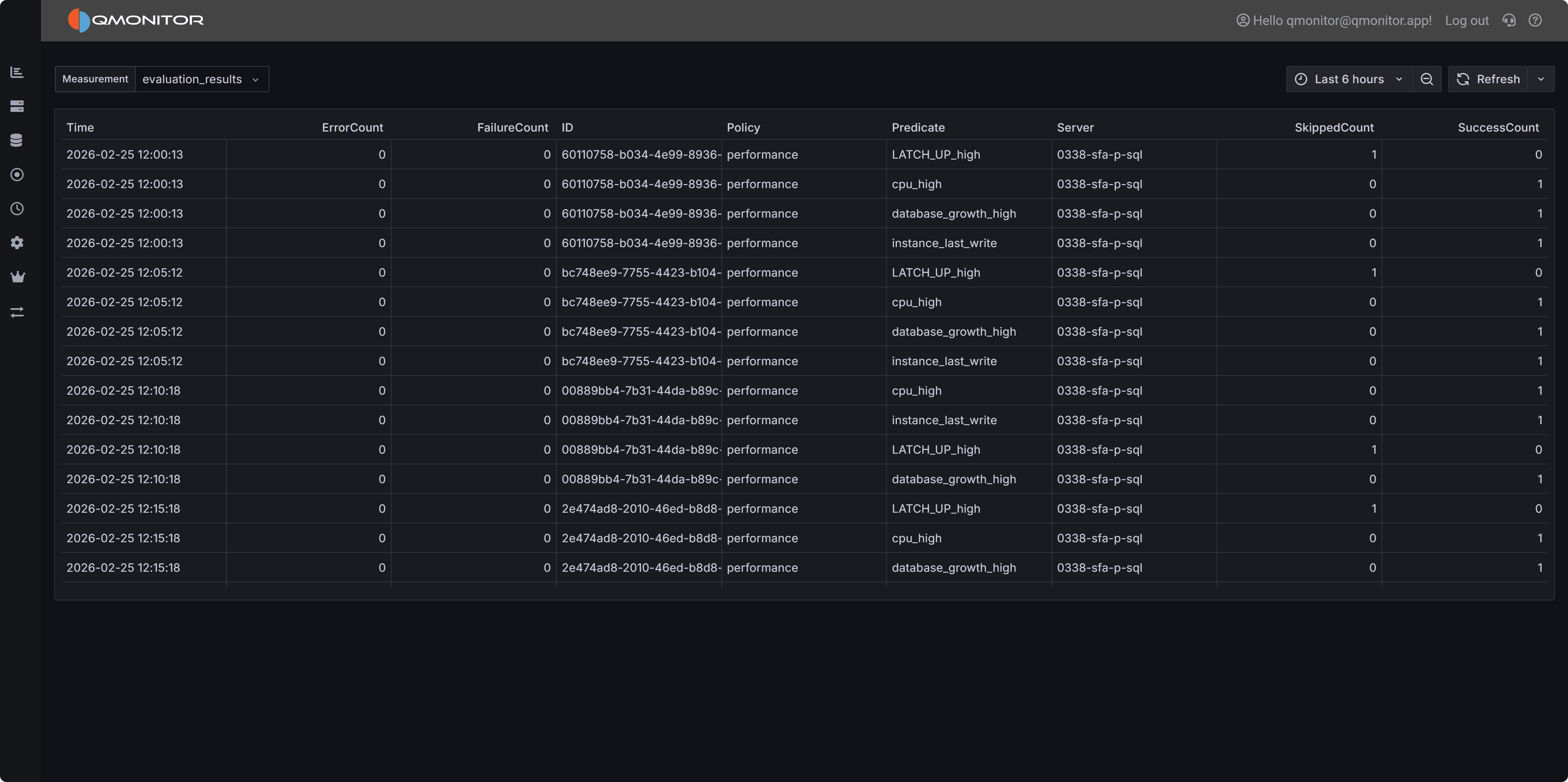 Custom Metrics dashboard showing measurement data with time-series results
Top controls
- Measurement selector: a dropdown to choose which measurement to query.
- Time filter: applies the selected time window to the query.
Data table
- The table below the selector shows the measurement data for the chosen measurement and time range. Typical columns include timestamp, value, and any measurement tags or labels.
- The dashboard retrieves up to 10,000 data points for the selected query. If the time range or measurement produces more points, results are truncated to this limit.
Usage notes
- Select the desired measurement, choose an appropriate time window, and refresh the view to populate the table.
- Narrow the time range or apply server/instance filters when results are truncated due to the 10,000‑point limit.
- Export or copy table rows for offline analysis if needed.
Custom dashboards
- To chart these measurements, combine them with the standard ones or build your own panels, use Custom Dashboards.