Members
Members
This page lets organization owners manage access and invitations.
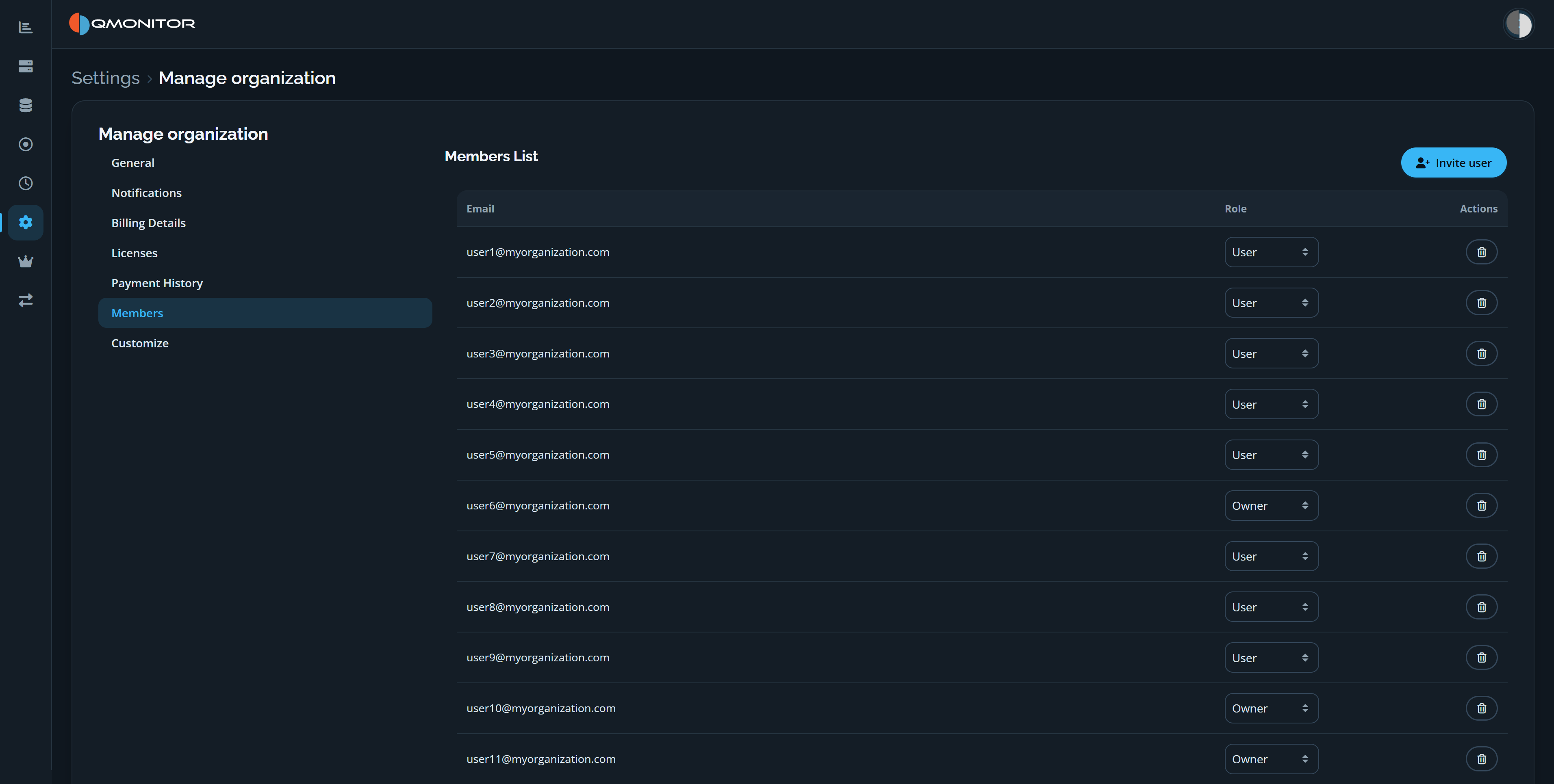 Members page showing the Invite user button and member roles and actions
Access and invitations
- Initially only organization owners can access the Manage Organization pages.
- Owners can invite new users with the Invite user button at the top-right.
- The invite dialog lets you enter an email address or copy an invitation code to share directly. The dialog shows the code immediately for manual distribution.
- The invited user receives an email with the invitation link and code. If the user is not registered, they must sign up first and then redeem the invitation code or follow the link to join the organization.
Members list
- The members table shows each user’s email, role, and available actions.
- Use the Role dropdown to change a member’s role between Owner and User.
- Use the delete action (trash icon) to remove a member from the organization.
- Role changes and removals may require confirmation.
Behavior and tips
- Use Owner role sparingly; owners can manage billing, policies, and members.
- Prefer inviting users to a role of “User” and elevate to Owner only when necessary.
- Invitations expire after a limited time; resend if a user reports an expired invite.