Sign Up
Register your email address in QMonitor
Go to the login page at https://portal.qmonitor.app and click Register.
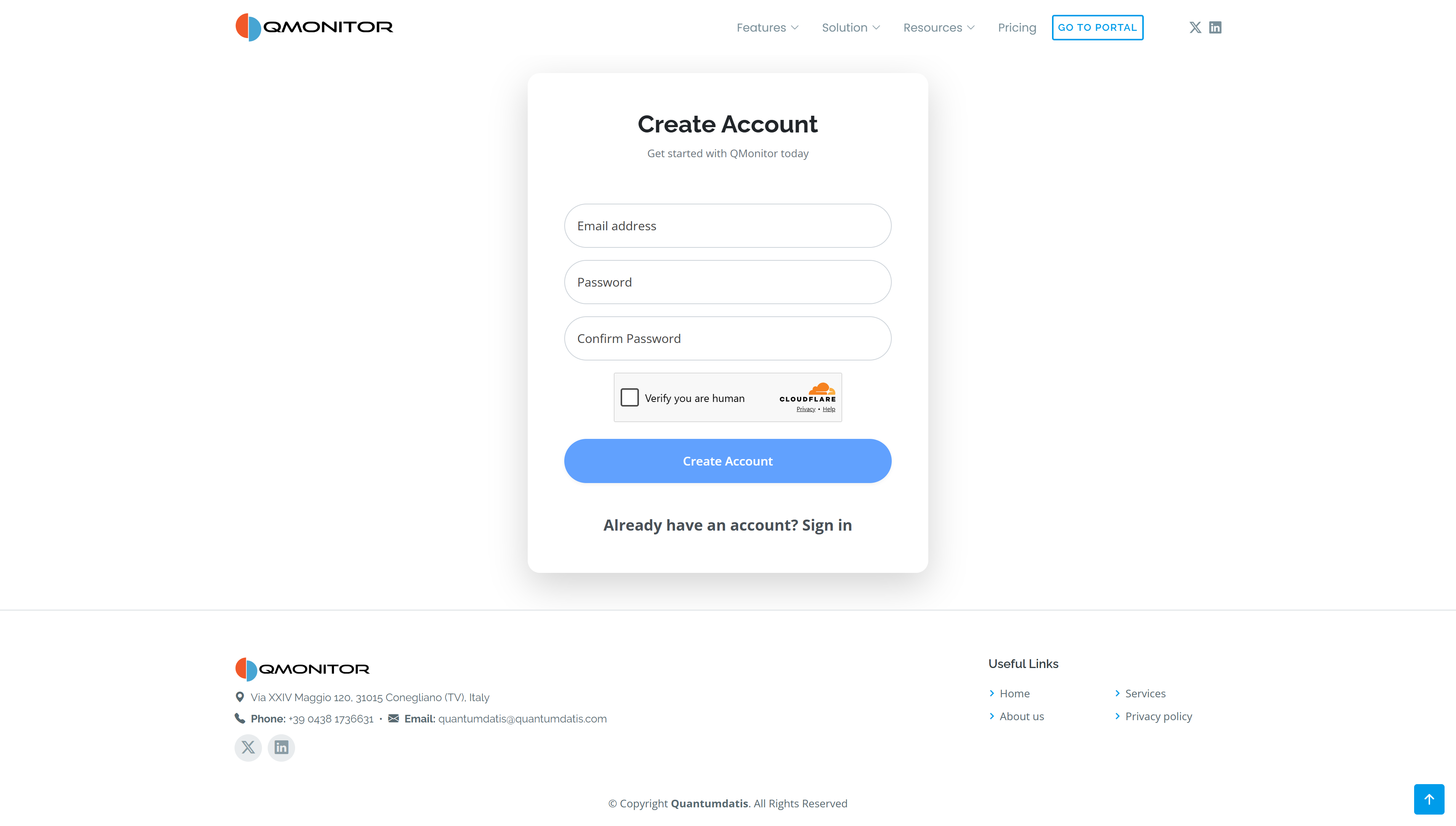 Create Account form with email and password fields, human verification, and the Create Account button
Create your account
- Enter your email address.
- Choose a password of at least 20 characters and enter it again in Confirm Password. A password manager is recommended to generate and store your password.
- Complete the Verify you are human Cloudflare check.
- Select Create Account to submit the form.
If the human verification fails, complete the check again before resubmitting.
Confirm your email
After registration, QMonitor sends a confirmation email to the address you entered. Open the email and follow its link to verify your address. Allow a few minutes for delivery and check your spam folder if it does not arrive.
If you still cannot find the message, request another confirmation email from the Resend email confirmation page. After verifying your email, sign in to QMonitor with your credentials.